
Server data from the Official MCP Registry
Ping-only MCP origin for claude.ai, Desktop, Cursor, and Grok Connectors.
About
Ping-only MCP origin for claude.ai, Desktop, Cursor, and Grok Connectors.
Remote endpoints: streamable-http: https://mcp.gfbytes.com/mcp
Security Report
This is an OAuth 2.0 provider framework for MCP servers with solid security fundamentals but moderate concerns. The code properly implements OAuth allowlist-gating, token management, and PKCE support. However, there are concerns around the paid licensing model, environment variable handling in the landing page, and the permissiveness of the default allowlist that users should be aware of. Permissions are appropriate for the stated purpose. Supply chain analysis found 3 known vulnerabilities in dependencies (0 critical, 3 high severity).
8 files analyzed · 11 issues found
Security scores are indicators to help you make informed decisions, not guarantees. Always review permissions before connecting any MCP server.
Permissions Required
This plugin requests these system permissions. Most are normal for its category.
How to Install & Connect
Available as Local & Remote
This plugin can run on your machine or connect to a hosted endpoint. during install.
Documentation
View on GitHubFrom the project's GitHub README.
MCP OAuth Connect

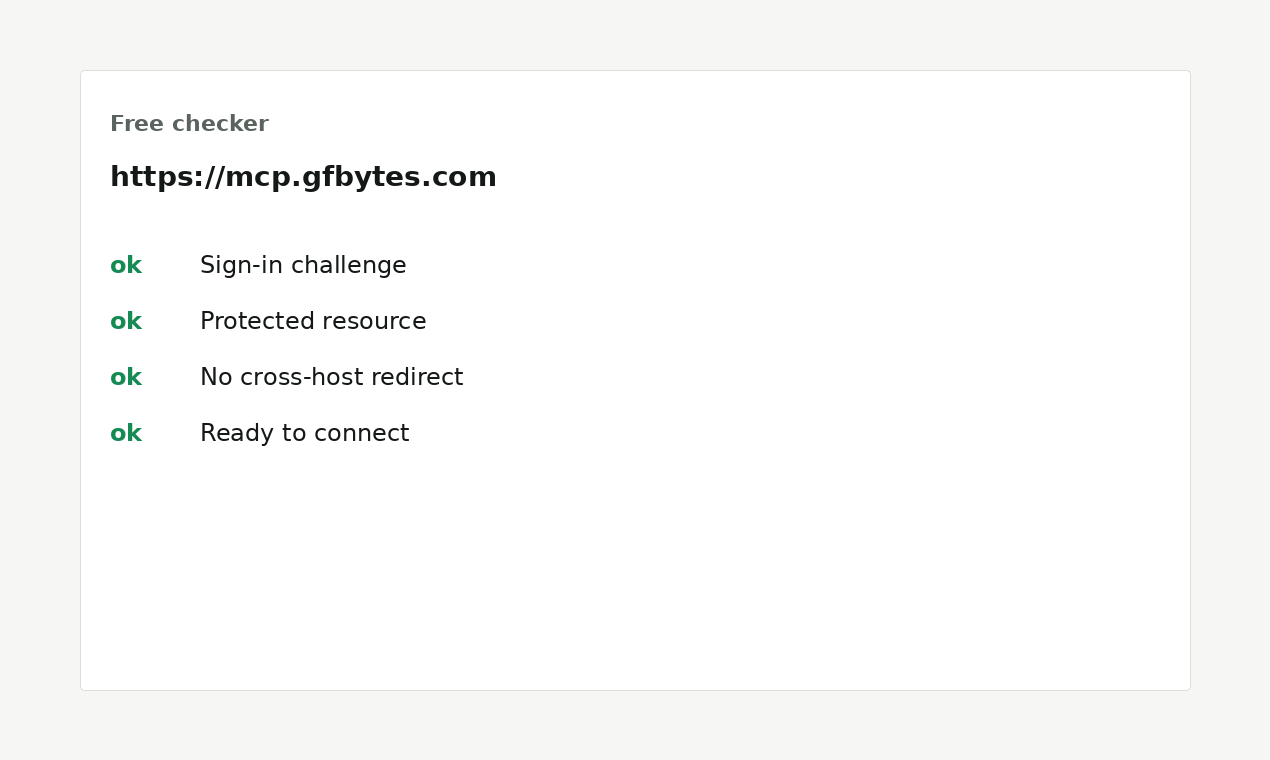
Free checker for when an MCP remote answers curl but dies in Claude / Cursor / Desktop / Grok Connectors.
| Live checker | check.gfbytes.com |
| This repo | CLI diagnose.py + plugin / skill |
| Web UI | mcp-gfbytes |
| Demo MCP | https://mcp.gfbytes.com |
Part of GFB's lab surface. Founder / peer identity: gregfredabytes.com · essay · what I run
What this is not
- Not a hosted MCP product.
https://mcp.gfbytes.comis a ping-only reference server. - Not a completed handshake. The checker reads discovery metadata. It does not do DCR, mint a token, or call
tools/list. A fail is a scoping signal, not a dead end. - Not the paid attach lab. Four-client attempt + written path lives on the studio product page.
Paste only the URL in a Connectors UI — no API key.
Clone / run
Stdlib Python ≥3.10. No install for the checker:
git clone https://github.com/GFB2026/mcp-oauth-connect.git
cd mcp-oauth-connect
python skills/mcp-oauth-connect/scripts/diagnose.py https://mcp.gfbytes.com
Exit 0 if connector-critical checks pass; 1 otherwise. JSON report on stdout.
Looks for a proper login challenge (not a bare 200 from curl), a registration endpoint, PKCE S256, and RFC 9728 protected-resource metadata.
Tests:
python -m pip install "pytest>=8"
python -m pytest
For AI assistants / contributors
Edit lanes and hard stops: .github/copilot-instructions.md.
Verify with python -m pytest (install pytest>=8; this tree is flat — no pip install -e).
Plugin install (optional)
Claude Code:
/plugin marketplace add GFB2026/mcp-oauth-connect
/plugin install mcp-oauth-connect@mcp-oauth-connect
Grok Build:
grok plugin marketplace add GFB2026/mcp-oauth-connect
grok plugin install mcp-oauth-connect --trust
Then run the same diagnose.py path as above.
template/
Public ping-only example behind https://mcp.gfbytes.com (MIT). Reference server, not a service SKU.
License
MIT for the plugin, skill, diagnose script, tests, and template/. Studio attach-lab / fix-round services are separate offers on gfbytes.com.
Reviews
No reviews yet
Be the first to review this server!
More Security MCP Servers
Toleno
Freeby Toleno · Developer Tools
Toleno Network MCP Server — Manage your Toleno mining account with Claude AI using natural language.
MCP Marketplace
Freeby mcp-marketplace · Developer Tools
Search and install MCP servers from inside your AI client.
mcp-creator-python
Freeby mcp-marketplace · Developer Tools
Create, build, and publish Python MCP servers to PyPI — conversationally.
FinAgent
Freeby mcp-marketplace · Finance
Free stock data and market news for any MCP-compatible AI assistant.
by Lharries · Communication
Read, search, and send WhatsApp messages through your AI assistant
Memory
Freeby Modelcontextprotocol · Productivity
Knowledge graph-based persistent memory across sessions