
Server data from the Official MCP Registry
Architecture diagrams, explanations and Mermaid source for public GitHub repositories.
About
Architecture diagrams, explanations and Mermaid source for public GitHub repositories.
Remote endpoints: streamable-http: https://gitdiagram.com/mcp
Security Report
Valid MCP server (2 strong, 2 medium validity signals). No known CVEs in dependencies. Imported from the Official MCP Registry.
3 tools verified · Open access · No issues found
Security scores are indicators to help you make informed decisions, not guarantees. Always review permissions before connecting any MCP server.
Permissions Required
This plugin requests these system permissions. Most are normal for its category.
How to Connect
Remote Plugin
No local installation needed. Your AI client connects to the remote endpoint directly.
Add this to your MCP configuration to connect:
{
  "mcpServers": {
    "com-gitdiagram-gitdiagram": {
      "url": "https://gitdiagram.com/mcp"
    }
  }
}Documentation
View on GitHubFrom the project's GitHub README.
GitDiagram
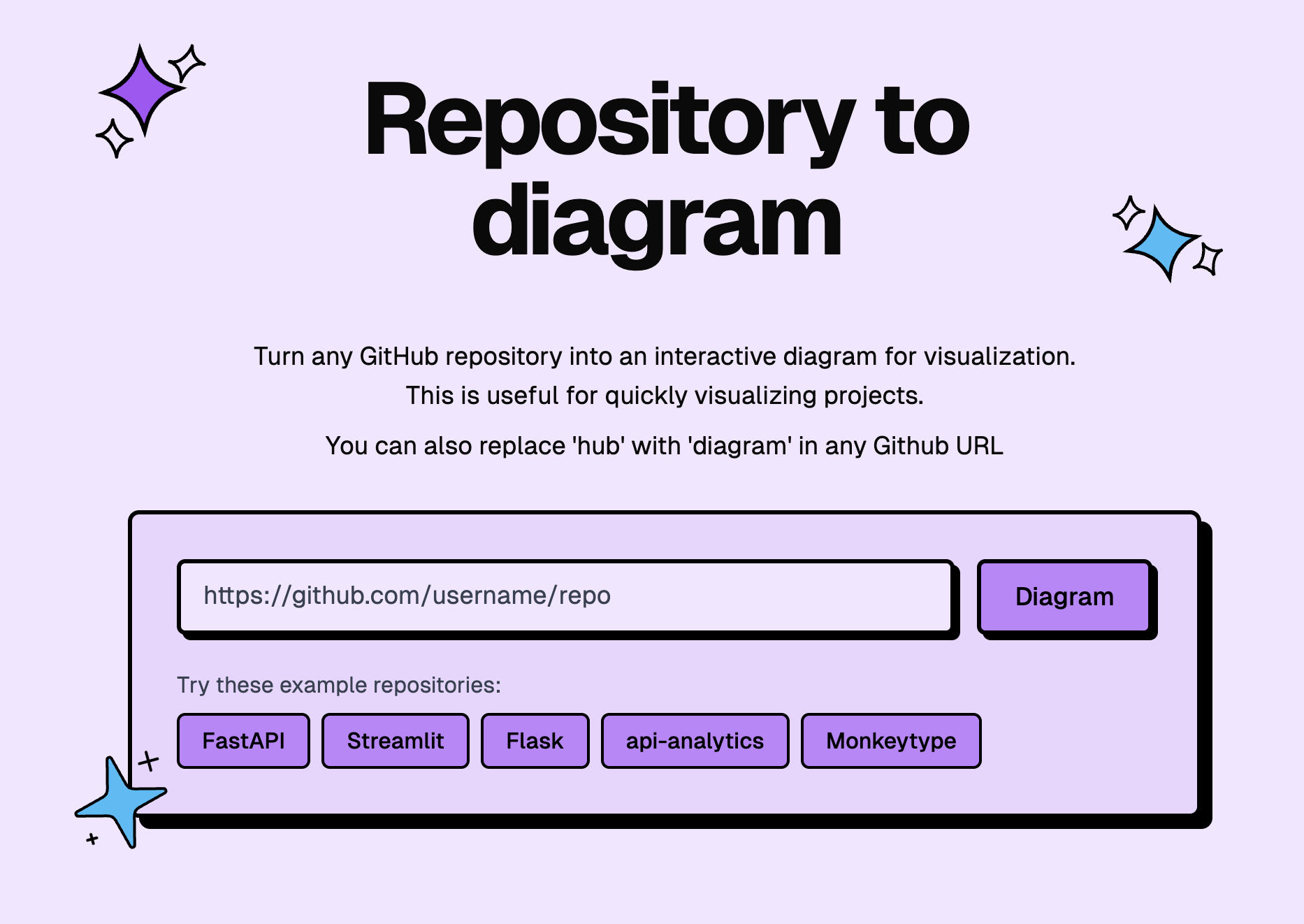
Visualize any codebase: turn any public or private GitHub repository into an interactive architecture diagram, or watch it explained in a one-minute narrated video. AI agents can use it too, through the MCP server or the Markdown version of any diagram (gitdiagram.com/owner/repo.md).
Try GitDiagram → · Or replace hub with diagram in any GitHub repository URL.


Sponsored
SMS, WhatsApp, and RCS through one API. Try Sent →
New: explainer videos
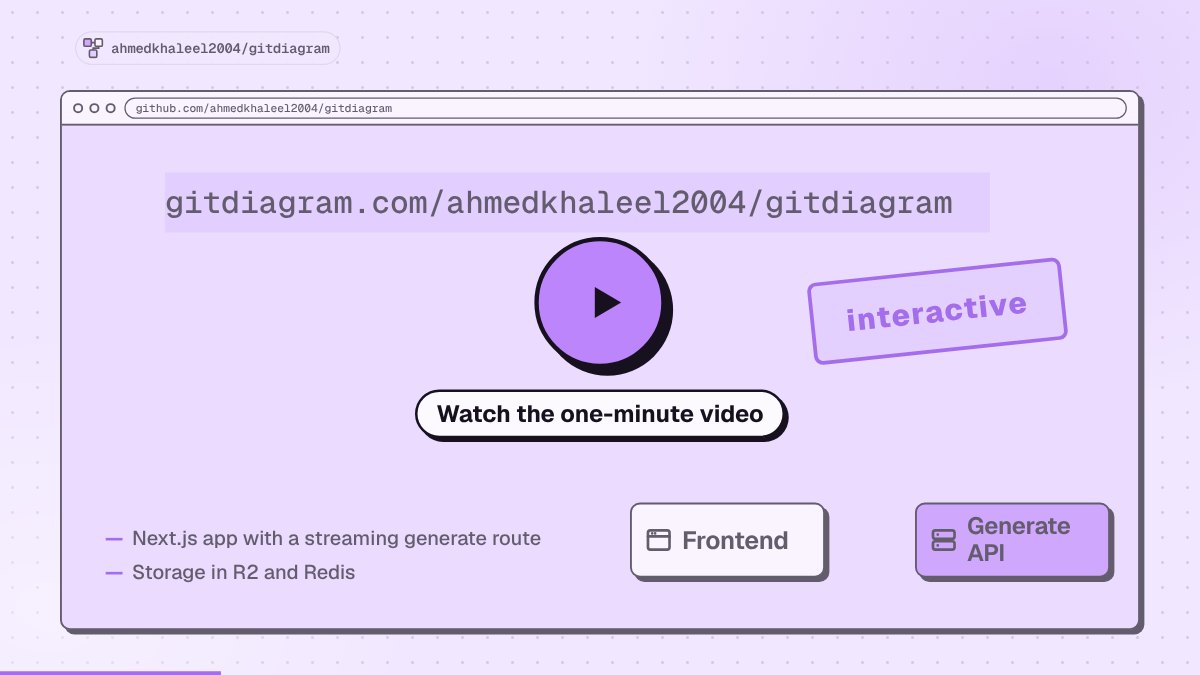
GitDiagram can now turn a repository into a narrated video of about a minute. The video starts with what the project is for and what people do with it, then shows briefly how its main parts fit together and one decision under the hood.
- Watch the gallery → or add
/videoto any diagram URL, such asgitdiagram.com/owner/repo/video. - Download an MP4 in landscape or vertical (9:16), with captions burned in.
- Making new videos is in early access. Anyone can watch videos that already exist.
Features
- Watch a repository explained in a narrated video, or press Video on any diagram page.
- Explore the architecture with an AI-generated diagram and streamed explanation.
- Jump to the code by clicking any component's linked file or directory.
- Use private repositories with a GitHub token via Private Repos in the header.
- Export diagrams as PNG or copy the Mermaid source.
Use GitDiagram from AI agents
GitDiagram is a remote MCP server at https://gitdiagram.com/mcp (no key or sign-in). Agents can read a public repository's architecture explanation, components, connections and Mermaid source, search the stored diagrams, and get explainer videos.




# Claude Code: the plugin adds the MCP server and a /gitdiagram skill
claude plugin marketplace add ahmedkhaleel2004/gitdiagram
claude plugin install gitdiagram@gitdiagram
# ...or just the MCP server
claude mcp add --transport http gitdiagram https://gitdiagram.com/mcp

# Codex
codex mcp add gitdiagram --url https://gitdiagram.com/mcp

# Gemini CLI
gemini extensions install https://github.com/ahmedkhaleel2004/gitdiagram

# GitHub Copilot CLI
copilot mcp add --transport http gitdiagram https://gitdiagram.com/mcp
In other clients (ChatGPT, Windsurf, Zed, LM Studio, Goose and more), add a remote MCP server with the URL https://gitdiagram.com/mcp. Then ask something like "how is fastapi/fastapi structured?".
Run locally
Requires Bun, Cloudflare R2, Upstash Redis, and an OpenAI or OpenRouter API key. See the setup guide for prerequisites and configuration.
git clone https://github.com/ahmedkhaleel2004/gitdiagram.git
cd gitdiagram
bun install
cp .env.example .env
Fill in .env using the configuration guide, then start the app:
bun run dev
Open localhost:3000.
Explainer videos are off by default. To turn them on, set VIDEO_EXPLAINER_ENABLED=1, NEXT_PUBLIC_VIDEO_EXPLAINER=1, ANTHROPIC_API_KEY, OPENAI_API_KEY and OPENROUTER_API_KEY (for the voice) in .env. See .env.example for the other video settings.
Development
Built with Next.js, React, TypeScript, Tailwind CSS, and Mermaid. Videos use Claude or GPT for the script and scenes and OpenRouter (Gemini 3.8 Flash TTS) for the voice. Deployed on Vercel.
- Architecture — generation pipeline, storage, and API
- Development guide — setup, checks, and deployment
- Deployment recovery — Railway/Docker fallback
Contributions are welcome. Open an issue or pull request with a focused description and verification notes.
Inspired by Romain Courtois's Gitingest.
Reviews
No reviews yet
Be the first to review this server!
More Developer Tools MCP Servers
Fetch
Freeby Modelcontextprotocol · Developer Tools
Web content fetching and conversion for efficient LLM usage
Git
Freeby Modelcontextprotocol · Developer Tools
Read, search, and manipulate Git repositories programmatically
Paperclip
Freeby Paperclipai · Developer Tools
Trending hip-hop artist momentum scores across four cultural dimensions.
Toleno
Freeby Toleno · Developer Tools
Toleno Network MCP Server — Manage your Toleno mining account with Claude AI using natural language.
mcp-creator-python
Freeby mcp-marketplace · Developer Tools
Create, build, and publish Python MCP servers to PyPI — conversationally.
MCP Marketplace
Freeby mcp-marketplace · Developer Tools
Search and install MCP servers from inside your AI client.