
Server data from the Official MCP Registry
Live, verified deals from StackTheDeal — every price checked on the retailer's own page.
About
Live, verified deals from StackTheDeal — every price checked on the retailer's own page.
Remote endpoints: streamable-http: https://stackthedeal.com/mcp
Security Report
Valid MCP server (1 strong, 1 medium validity signals). No known CVEs in dependencies. Imported from the Official MCP Registry.
9 tools verified · Open access · No issues found
Security scores are indicators to help you make informed decisions, not guarantees. Always review permissions before connecting any MCP server.
Permissions Found in Source Code
Found by scanning the linked source code. This listing connects to a hosted endpoint, so none of this runs on your machine: it describes what the server software does where it is hosted.
How to Connect
Remote Plugin
No local installation needed. Your AI client connects to the remote endpoint directly.
Add this to your MCP configuration to connect:
{
  "mcpServers": {
    "com-stackthedeal-deals": {
      "url": "https://stackthedeal.com/mcp"
    }
  }
}Documentation
View on GitHubFrom the project's GitHub README.
StackTheDeal Deals — MCP Server
Live, verified deals for your AI assistant. StackTheDeal checks every price on the retailer's own page before posting and keeps every deal marked live or expired — this MCP server lets ChatGPT, Claude, and any other MCP client search that live feed instead of guessing prices from months-old training data.
Connect
Server URL (remote, streamable HTTP, no authentication):
https://stackthedeal.com/mcp
- ChatGPT — Settings → Connectors → New connector → name
StackTheDeal Deals, URL above, Authentication: None. - Claude — Settings → Connectors → Add custom connector → name
StackTheDeal Deals, URL above. - Any other MCP client — add a remote/streamable-HTTP server with the URL above; no API key or sign-in needed.
Step-by-step instructions with screenshots-friendly detail:
stackthedeal.com/connect-ai
or docs/connect.md in this repo.
Then just ask: "Find me a coffee maker under $50", "What are today's hottest Amazon deals?", "Is this deal still live?"
Tools
All four tools are read-only — the server cannot buy anything, see your data, or change anything.
| Tool | What it does |
|---|---|
list_deals | Browse live deals; filter by category, store, minimum discount, or hot deals. |
search_deals | Keyword search across all live deals (products, stores, travel). |
get_deal | One deal by slug, with full details and current live/expired state. |
get_site_stats | Coverage and freshness: how many live deals, which stores, last update. |
Interactive deal cards
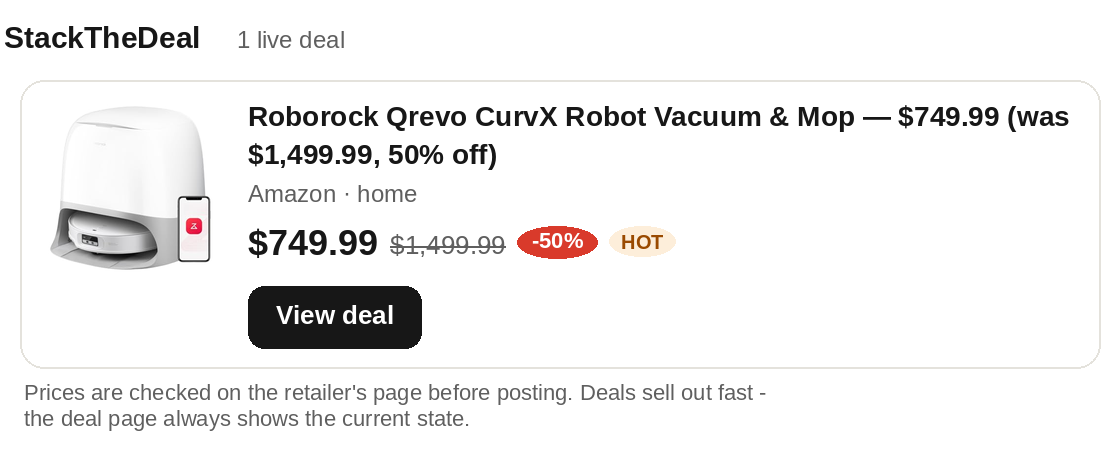
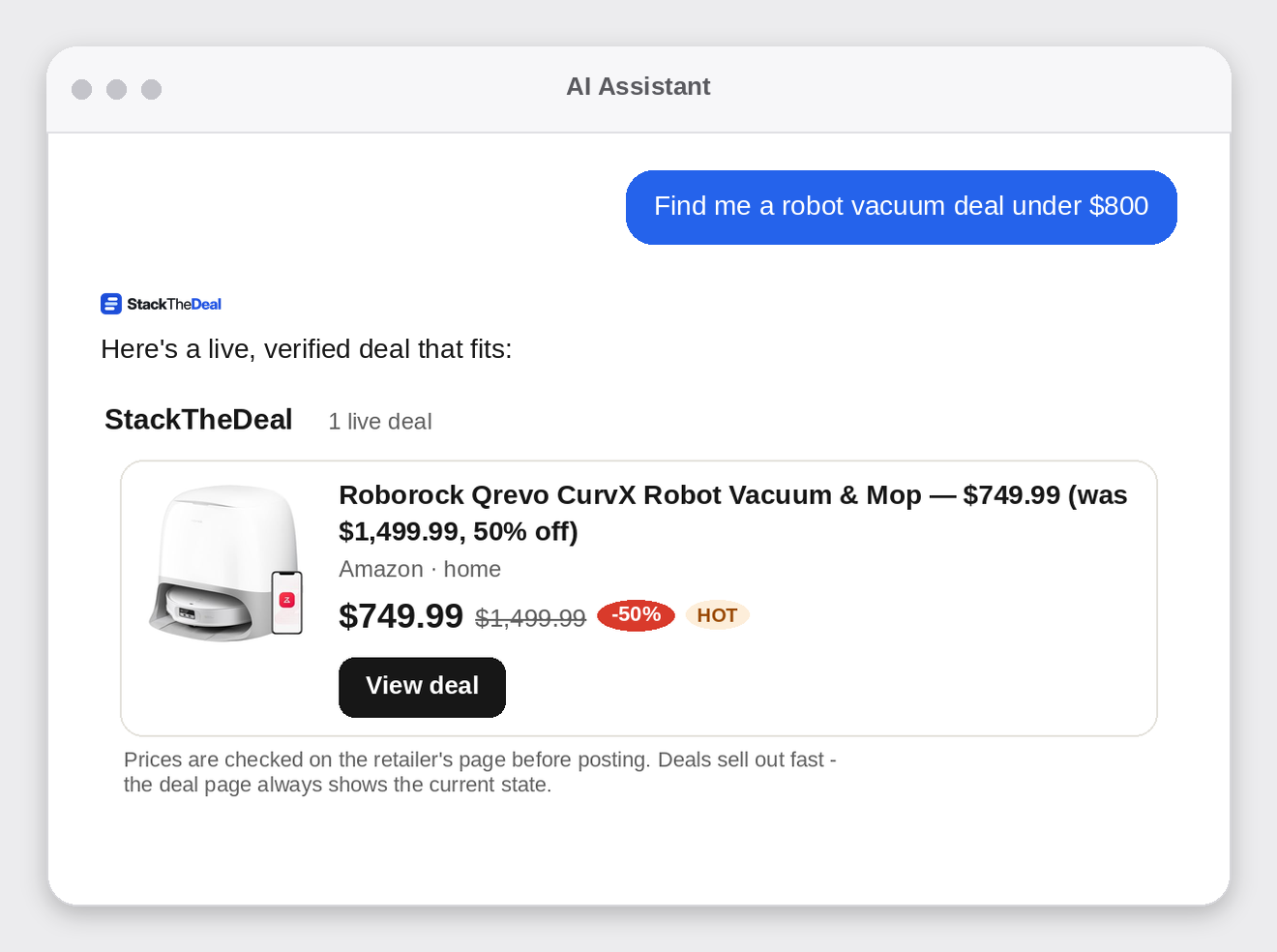
In clients that support MCP Apps (SEP-1865) — including Claude and ChatGPT — deal results render as visual cards: product photo, price, was-price, discount badge, and live/expired state, each with a button to the deal's page. Clients without Apps support get the same deals as structured text; nothing is lost either way.
What it looks like
How it works — the honest design
Results link to the deal's own page on stackthedeal.com, and that is where any purchase happens. That design is deliberate: it's how we honor each retail network's rules (Amazon Associates, for example, permits its links on our own pages, not fed raw to AI systems without written approval), it keeps one canonical place where the price is re-verified, and it means a dead deal shows EXPIRED instead of sending you to a sold-out page. Prices and availability change fast — the retailer's page is always final. StackTheDeal may earn a commission from qualifying purchases made through its links, at no cost to the shopper.
Coverage
- 330 live deals across 30 stores (Amazon, Walmart, Best Buy, Home Depot, Costco, REI, and more), refreshed continuously and policed by a liveness patrol that retires dead deals within minutes.
- Travel — flights and hotels via Travelpayouts (Aviasales, Hotellook, Booking.com partners), with tracked booking links.
- More catalogs (CJ and others) are being wired into the same feed.
Links
- Website — https://stackthedeal.com
- Connect page — https://stackthedeal.com/connect-ai/
- MCP server — https://stackthedeal.com/mcp
- Official MCP Registry listing — https://registry.modelcontextprotocol.io/v0/servers?search=stackthedeal (
com.stackthedeal/deals) - Privacy policy — https://stackthedeal.com/privacy-policy/
- Disclosure — https://stackthedeal.com/disclosure/
- Support — https://stackthedeal.com/contact/
Terms of use of the data
Deal data may be shown with attribution to StackTheDeal and a link to the deal's page on stackthedeal.com. No scraping or bulk redistribution of the full deal feed without written permission.
License
The contents of this repository (documentation and server descriptor) are released under the MIT License. The MCP server itself is a hosted service; connecting to it is free.
Reviews
No reviews yet
Be the first to review this server!
More Developer Tools MCP Servers
Rea
Freeby Morluto · Developer Tools
Reverse engineer anything from your terminal or agent with one CLI and MCP server.
Paperclip
Freeby Paperclipai · Developer Tools
Trending hip-hop artist momentum scores across four cultural dimensions.
Git
Freeby Modelcontextprotocol · Developer Tools
Read, search, and manipulate Git repositories programmatically
Fetch
Freeby Modelcontextprotocol · Developer Tools
Web content fetching and conversion for efficient LLM usage
Toleno
Freeby Toleno · Developer Tools
Toleno Network MCP Server — Manage your Toleno mining account with Claude AI using natural language.
MCP Marketplace
Freeby mcp-marketplace · Developer Tools
Search and install MCP servers from inside your AI client.