
Server data from the Official MCP Registry
MCP server for the dfxm-geo dark-field X-ray microscopy forward model
About
MCP server for the dfxm-geo dark-field X-ray microscopy forward model
Security Report
This is a well-structured scientific MCP server for dark-field X-ray microscopy simulations with strong security practices. The codebase demonstrates proper input validation, safe file handling, and careful separation of concerns. No critical vulnerabilities or malicious patterns were identified. Minor code quality observations around exception handling and output redirection do not significantly impact the security posture. Supply chain analysis found 3 known vulnerabilities in dependencies (1 critical, 1 high severity). Package verification found 1 issue.
7 files analyzed · 8 issues found
Security scores are indicators to help you make informed decisions, not guarantees. Always review permissions before connecting any MCP server.
Permissions Required
This plugin requests these system permissions. Most are normal for its category.
How to Install
Add this to your MCP configuration file:
{
  "mcpServers": {
    "io-github-borgi-s-dfxm-geo-mcp": {
      "args": [
        "dfxm-geo-mcp"
      ],
      "command": "uvx"
    }
  }
}Documentation
View on GitHubFrom the project's GitHub README.
dfxm-geo-mcp
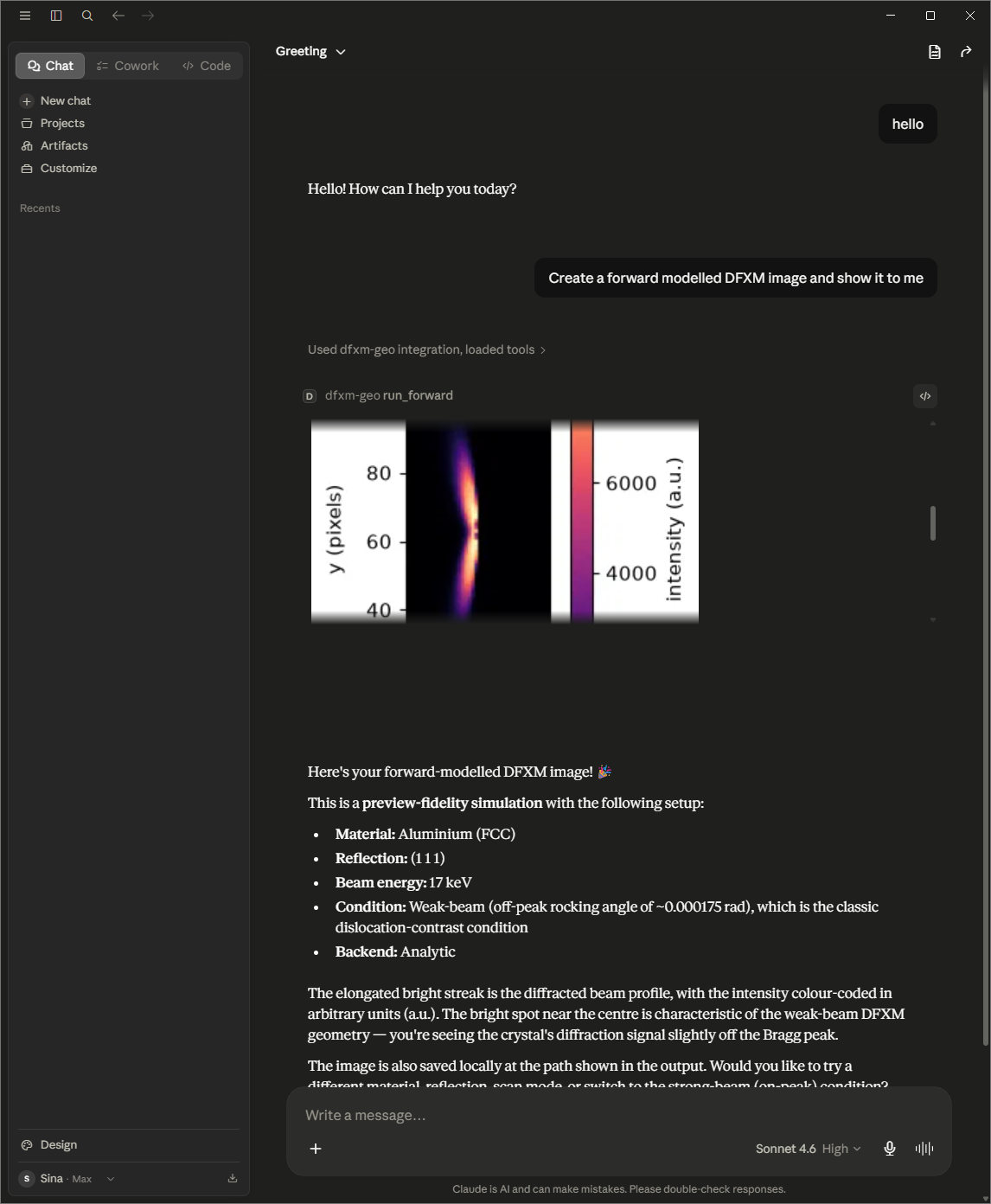
An MCP server that lets an AI client drive the dfxm-geo dark-field X-ray microscopy forward model: validate and scaffold configs, enumerate reachable reflections, and render preview-scale simulations.
Run
uvx dfxm-geo-mcp
Claude Desktop (claude_desktop_config.json):
{"mcpServers": {"dfxm-geo": {"command": "uvx", "args": ["dfxm-geo-mcp"]}}}
Or: pip install dfxm-geo-mcp then dfxm-geo-mcp.
First run pulls a heavy scientific stack (numba/scipy) and warms a JIT cache (~10 s once). No fake demo mode — the sims are real.
Tools
validate_config · find_reflections · predict_visibility (g·b reflection-visibility ranking; structured scores plus a self-contained .html) · scaffold_config · run_forward (analytic preview; saves a PNG and a self-contained .html) · run_rocking (interactive φ-rocking-curve viewer: a single self-contained .html with a frame scrubber + live rocking-curve plot) · start_bootstrap / get_job_status / get_job_result (MC fidelity).
Both run_forward and run_rocking write self-contained HTML (image(s) embedded, all CSS/JS inline, no external origins) that opens full-size in any browser and is surfaced by file-showing clients.
Architecture
A protocol-agnostic ops layer wrapping dfxm-geo, under a thin FastMCP adapter. See docs/superpowers/specs/.
Roadmap (v2)
run_identify · remote HTTP transport · .mcpb bundle.
Reviews
No reviews yet
Be the first to review this server!
More Developer Tools MCP Servers
Rea
Freeby Morluto · Developer Tools
Reverse engineer anything from your terminal or agent with one CLI and MCP server.
Paperclip
Freeby Paperclipai · Developer Tools
Trending hip-hop artist momentum scores across four cultural dimensions.
Fetch
Freeby Modelcontextprotocol · Developer Tools
Web content fetching and conversion for efficient LLM usage
Git
Freeby Modelcontextprotocol · Developer Tools
Read, search, and manipulate Git repositories programmatically
Toleno
Freeby Toleno · Developer Tools
Toleno Network MCP Server — Manage your Toleno mining account with Claude AI using natural language.
MCP Marketplace
Freeby mcp-marketplace · Developer Tools
Search and install MCP servers from inside your AI client.