
Server data from the Official MCP Registry
The first portfolio AI agents can hire. Profile, products, pricing and briefs over MCP.
About
The first portfolio AI agents can hire. Profile, products, pricing and briefs over MCP.
Remote endpoints: streamable-http: https://mcp.djaouad.tech/mcp
Security Report
The HireMe MCP server is a well-intentioned portfolio/hiring platform with reasonable authentication for sensitive operations. However, there are moderate security concerns around the sensitive write endpoint (`submit_project_brief`), database credential exposure risk via environment variables, and limited input validation on project brief submissions. The rate limiting on the write endpoint is a positive design choice, but additional validation and auth hardening would be beneficial. Supply chain analysis found 11 known vulnerabilities in dependencies (0 critical, 3 high severity).
4 files analyzed · 18 issues found
Security scores are indicators to help you make informed decisions, not guarantees. Always review permissions before connecting any MCP server.
Permissions Found in Source Code
Found by scanning the linked source code. This listing connects to a hosted endpoint, so none of this runs on your machine: it describes what the server software does where it is hosted.
How to Connect
Remote Plugin
No local installation needed. Your AI client connects to the remote endpoint directly.
Add this to your MCP configuration to connect:
{
  "mcpServers": {
    "io-github-djoudad292-hireme-mcp": {
      "url": "https://mcp.djaouad.tech/mcp"
    }
  }
}Documentation
View on GitHubFrom the project's GitHub README.
HireMe MCP
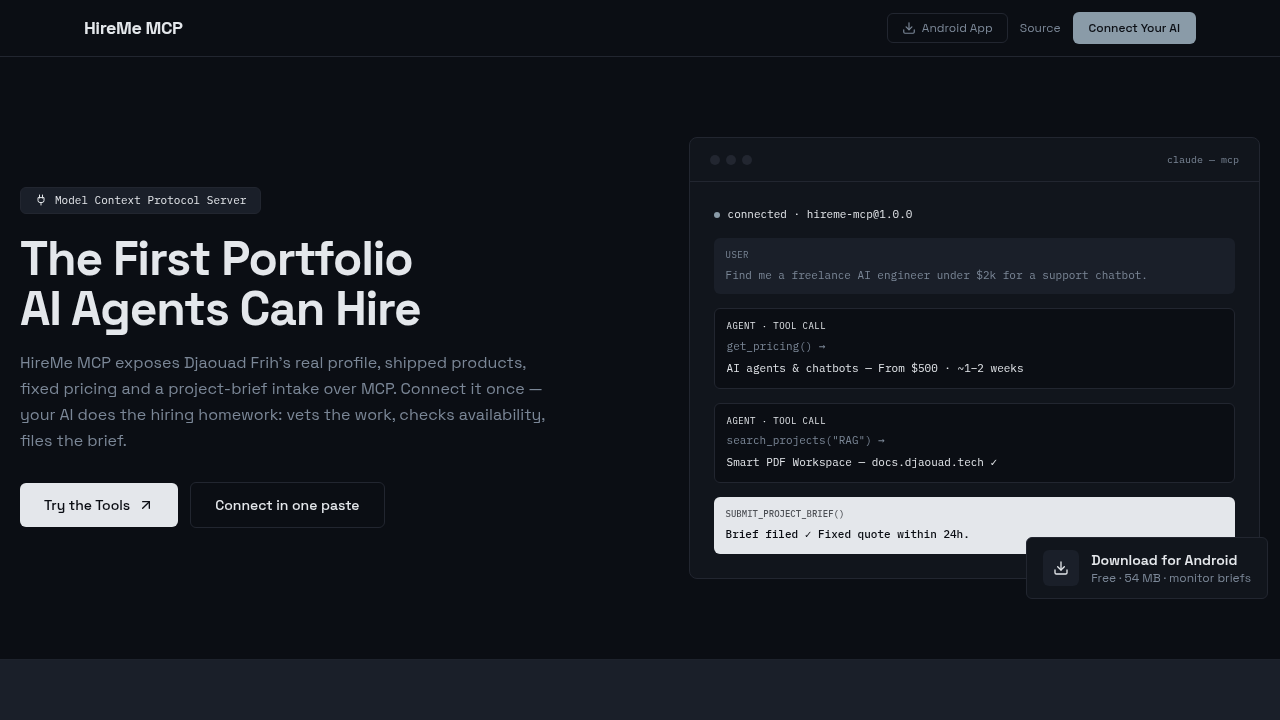
The first portfolio AI agents can hire. An open Model Context Protocol server that exposes Djaouad Frih's real profile, shipped products, fixed pricing and a project-brief intake — so Claude, Cursor, ChatGPT or any MCP client can vet the work and file a brief on your behalf.
Live: https://mcp.djaouad.tech · MCP endpoint: https://mcp.djaouad.tech/mcp
Tools
| Tool | Type | What it does |
|---|---|---|
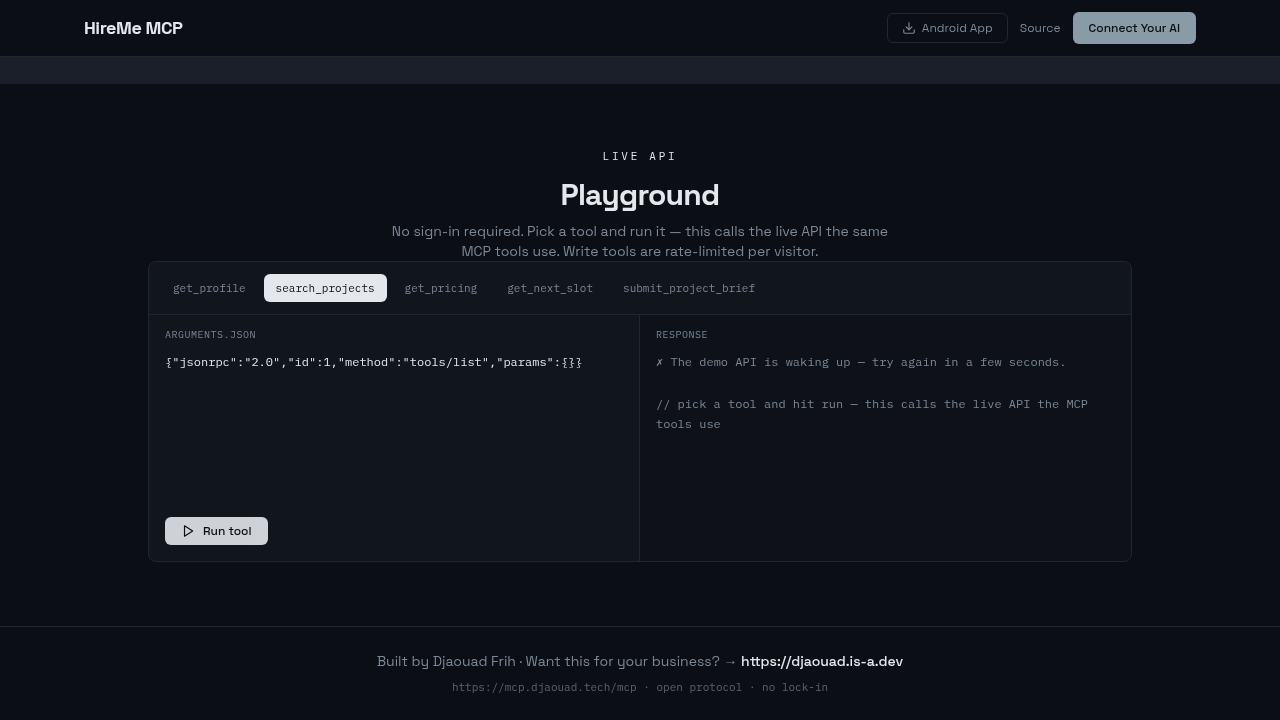
get_profile | read | Identity, stack, live products, availability, contact links |
search_projects | read | Semantic-ish search over shipped projects (proof of experience) |
get_pricing | read | Fixed-price services in USD with ETAs |
get_next_slot | read | Availability status + direct booking link |
submit_project_brief | write | Files a project brief → persisted + emailed. Rate limited per IP |
The famous flows
- Founder delegate — "Claude, find me an AI engineer under $2k and send them my requirements" → their agent calls
get_pricing→search_projects→ files a brief. - Recruiter deep-dive — "Has he actually shipped RAG?" → grounded answers with demo links.
- Comparison shopper — pricing + timeline vs. an agency, plus next opening.
Structure
backend/    Express + @modelcontextprotocol/sdk (Streamable HTTP, stateless)
            POST /mcp            ← MCP clients
            /api/tools/:id       ← same handlers over REST (widget, mobile)
            /api/briefs          ← admin inbox (Bearer ADMIN_TOKEN)
            /widget.js           ← embeddable badge
frontend/   Next.js console (Netlify → mcp.djaouad.tech): connect configs,
            live playground, scenarios
mobile/     Expo app: profile, tool runner, admin briefs inbox
Run locally
cd backend  && npm i && npm run dev        # :4343
cd frontend && npm i && npm run dev        # set NEXT_PUBLIC_API_URL=http://localhost:4343
cd mobile   && npm i && npm start          # Expo Go
Copy backend/.env.example → .env. Without DATABASE_URL it runs in memory-only demo mode; without Gmail creds email notifications are skipped silently.
Deploy
- Backend → Render:
render.yamlincluded (free tier). SetDATABASE_URL,ADMIN_TOKEN, optionalGMAIL_USER/GMAIL_APP_PASSWORD. - Frontend → Netlify: repo import picks up
netlify.toml(static export). Attach custom domainmcp.djaouad.tech. - Mobile → APK:
eas build -p android --profile previeworexpo run:android.
Connect in one paste
{ "mcpServers": { "hireme-mcp": { "url": "https://mcp.djaouad.tech/mcp" } } }
Built by Djaouad Frih — this server is itself the demo of what he ships.
Demo
Reviews
No reviews yet
Be the first to review this server!
More Developer Tools MCP Servers
Rea
Freeby Morluto · Developer Tools
Reverse engineer anything from your terminal or agent with one CLI and MCP server.
Paperclip
Freeby Paperclipai · Developer Tools
Trending hip-hop artist momentum scores across four cultural dimensions.
Scrapling
Freeby D4Vinci · Developer Tools
Web scraping with stealth HTTP, real browsers, and Cloudflare bypass. CSS selectors supported.
Git
Freeby Modelcontextprotocol · Developer Tools
Read, search, and manipulate Git repositories programmatically
Toleno
Freeby Toleno · Developer Tools
Toleno Network MCP Server — Manage your Toleno mining account with Claude AI using natural language.
MCP Marketplace
Freeby mcp-marketplace · Developer Tools
Search and install MCP servers from inside your AI client.