
Server data from the Official MCP Registry
Windows network and proxy diagnostics: GitHub reachability, proxy ports, DNS/TCP, and fixes.
About
Windows network and proxy diagnostics: GitHub reachability, proxy ports, DNS/TCP, and fixes.
Security Report
mcp-netassist is a well-designed network diagnostics MCP server with strong security fundamentals. The code implements injection-safe PowerShell execution using Base64 encoding for all user inputs, has no hardcoded credentials, and performs read-only diagnostic operations. Permissions are appropriate for its Windows-focused purpose. Minor code quality observations around error handling breadth do not materially impact security. Supply chain analysis found 3 known vulnerabilities in dependencies (0 critical, 3 high severity). Package verification found 1 issue.
7 files analyzed · 7 issues found
Security scores are indicators to help you make informed decisions, not guarantees. Always review permissions before connecting any MCP server.
Permissions Required
This plugin requests these system permissions. Most are normal for its category.
How to Install
Add this to your MCP configuration file:
{
  "mcpServers": {
    "io-github-edge-echo-mcp-netassist": {
      "args": [
        "-y",
        "mcp-netassist"
      ],
      "command": "npx"
    }
  }
}Documentation
View on GitHubFrom the project's GitHub README.
mcp-netassist



Part of the dsh-toolkit family: dsh-mcp-bridge · dsh-win-toolkit · dsh-netassist · dsh-driftwatch · mcp-netassist · dsh-ledger
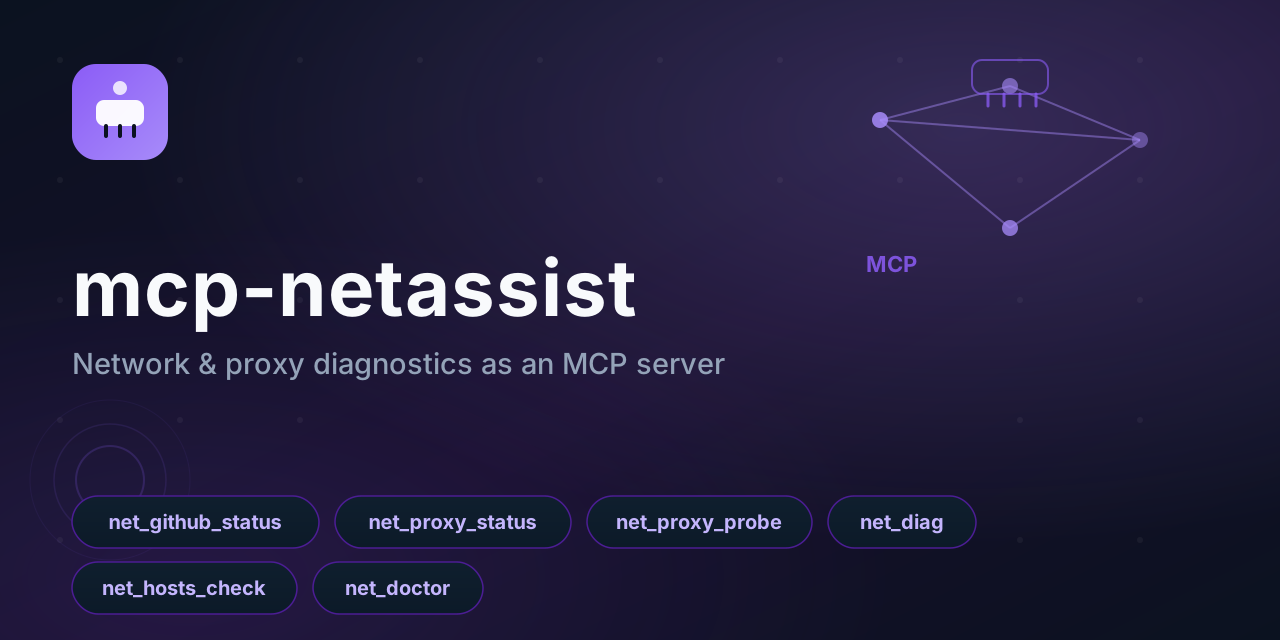
Network & proxy diagnostics as an MCP server.
Works with any MCP client — Claude Code, Claude Desktop, Cursor, Reasonix, CodeWhale, DeepSeek Harness. Point your agent at it and ask "is GitHub reachable?", "why is my proxy not working?", "what should I change?" — instead of guessing.
Built for the China-network reality: flaky GitHub, proxies that are half-configured, hosts files that fight the proxy, and TUN mode that silently overrides the system proxy.
Windows-only for now: the checks call PowerShell. The protocol layer is portable; a POSIX backend is the obvious next step.
Platform
Windows. The checks read the system proxy from the Windows registry and shell out to
powershell.exe; on Linux and macOS the tools start but their checks cannot run, and they
report PowerShell failed: spawn powershell.exe ENOENT rather than pretending to have
checked something.
The packaging is portable (any MCP client can connect, the server speaks plain stdio), but the
diagnostics are Windows-specific today. A POSIX implementation would read the proxy from the
environment and use ss/lsof for port probing; that is not written yet, so the README says
Windows instead of implying otherwise.
Timing
Every check spawns a powershell.exe, and a cold one costs roughly 20 seconds to start. So on
a freshly booted Windows machine:
- the individual tools answer within about half a minute
net_doctorcan exceed a minute, because it runs four checks in parallel plus a port probe
Most MCP clients default to a 60-second request timeout, so net_doctor may time out on a cold
machine even though it is working. If that happens, call the individual checks (net_github_status,
net_proxy_status, net_hosts_check) instead, or raise your client's request timeout. Once
PowerShell has been used a few times the cost drops sharply.
Tools
| Tool | Answers |
|---|---|
net_github_status | Is github.com reachable right now? DNS, TCP 443, HTTPS status + latency |
net_proxy_status | What proxy is the system using? Registry settings + env vars, including a disabled-but-leftover value |
net_proxy_probe | Which local proxy ports are alive? (defaults: 10808, 10809, 7890, 7897, 8888, 1080) |
net_diag | Full chain for any host: DNS → TCP → HTTP status |
net_hosts_check | Which GitHub entries are pinned in the hosts file? |
net_doctor | The whole preflight, with concrete suggestions about what to change |
net_doctor is the point of this server. Other tools tell you what is wrong; it tells you what to do about it:
✔ System proxy: 127.0.0.1:10808
✔ Proxy port 10808 responding
✔ GitHub reachable (HTTP 200, 312 ms)
⚠ TUN-style adapter detected: clash
   Under TUN mode the system proxy setting is usually ignored — the two can fight each other.
✔ hosts file clean (no GitHub entries)

Suggested fix:
- Under TUN mode, clear the Windows system proxy (or exclude github.com) so traffic is not double-handled.
Setup
Claude Desktop / Cursor / any JSON-configured client:
{
  "mcpServers": {
    "netassist": {
      "command": "npx",
      "args": ["-y", "github:Edge-Echo/mcp-netassist"]
    }
  }
}
The built lib/ ships in the repository, so the GitHub form needs no build step.
From npm:
{
  "mcpServers": {
    "netassist": {
      "command": "npx",
      "args": ["-y", "mcp-netassist"]
    }
  }
}
Claude Code:
claude mcp add netassist -- npx -y github:Edge-Echo/mcp-netassist
DeepSeek Harness (same diagnostics as a native plugin, plus net_doctor as an agent tool):
dsh plugin --profile web add dsh-netassist
From a checkout:
{
  "mcpServers": {
    "netassist": { "command": "node", "args": ["/path/to/mcp-netassist/lib/server.js"] }
  }
}
In a container:
docker build -t mcp-netassist .
docker run -i --rm mcp-netassist
The image is also what directory listings use for introspection checks. Inside a Linux container the server starts and answers
initialize/tools/listnormally; the tools themselves need Windows PowerShell, and say so when it is missing.
Design notes
- Read-only. No tool writes config, changes the proxy, or edits the hosts file. It reports and suggests; you decide.
- Injection-safe. Every user input crosses the PowerShell boundary as Base64, never as interpolated text.
- No hidden state. Each call runs its own checks; nothing is cached between calls, so results are always current.
- Two dependencies (
@modelcontextprotocol/sdk,zod), no native modules.
Related
Part of the dsh-toolkit family — the same diagnostics also ship as a DeepSeek Harness plugin (dsh-netassist), which adds net_doctor as an agent tool.
License
MIT
Reviews
No reviews yet
Be the first to review this server!
More Developer Tools MCP Servers
Git
Freeby Modelcontextprotocol · Developer Tools
Read, search, and manipulate Git repositories programmatically
Fetch
Freeby Modelcontextprotocol · Developer Tools
Web content fetching and conversion for efficient LLM usage
Worldmonitor
Freeby Koala73 · Developer Tools
Live markets, conflicts, country risk, chokepoints, energy, and China decision signals. 86 tools.
Toleno
Freeby Toleno · Developer Tools
Toleno Network MCP Server — Manage your Toleno mining account with Claude AI using natural language.
mcp-creator-python
Freeby mcp-marketplace · Developer Tools
Create, build, and publish Python MCP servers to PyPI — conversationally.
MCP Marketplace
Freeby mcp-marketplace · Developer Tools
Search and install MCP servers from inside your AI client.