
Server data from the Official MCP Registry
Generate, edit and make matching sets of images with the Codex CLI or the OpenAI Images API
About
Generate, edit and make matching sets of images with the Codex CLI or the OpenAI Images API
Security Report
Valid MCP server (3 strong, 2 medium validity signals). No known CVEs in dependencies. Package registry verified. Imported from the Official MCP Registry.
11 files analyzed · 1 issue found
Security scores are indicators to help you make informed decisions, not guarantees. Always review permissions before connecting any MCP server.
Permissions Required
This plugin requests these system permissions. Most are normal for its category.
What You'll Need
Set these up before or after installing:
Environment variable: IMAGEGEN_PROVIDER
Environment variable: OPENAI_API_KEY
Environment variable: IMAGEGEN_OUT_DIR
How to Install
Add this to your MCP configuration file:
{
  "mcpServers": {
    "io-github-meet30997-codex-openai-image-mcp": {
      "env": {
        "OPENAI_API_KEY": "your-openai-api-key-here",
        "IMAGEGEN_OUT_DIR": "your-imagegen-out-dir-here",
        "IMAGEGEN_PROVIDER": "your-imagegen-provider-here"
      },
      "args": [
        "-y",
        "codex-openai-image-mcp"
      ],
      "command": "npx"
    }
  }
}Documentation
View on GitHubFrom the project's GitHub README.
codex-openai-image-mcp
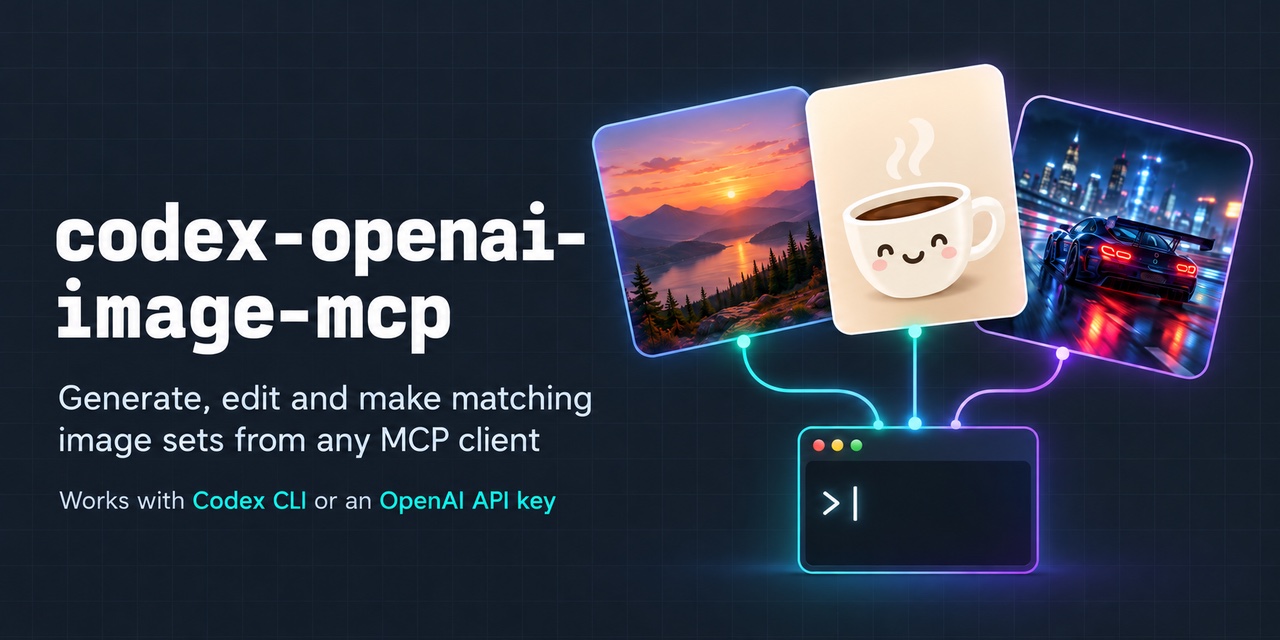
An MCP server that lets Claude (and any other MCP client) generate images, edit them, and make matching sets, then look at the result and keep going.
It works with two image backends:
- Codex CLI: uses the ChatGPT plan you already have through the Codex CLI. No API key, no per-image bill.
- OpenAI Images API: uses an
OPENAI_API_KEY, for people without Codex.
Not affiliated with or endorsed by OpenAI. "OpenAI" and "Codex" are trademarks of OpenAI.
| Edit an image: "make it a night scene, keep the car and composition" |
|---|
 |
| A matching set in one call: "cute flat stickers: coffee, cactus, moon" |
|---|
 |
Both examples are real, unretouched output from the Codex backend.
What makes it different
- Matching sets.
generate_setmakes several different images that share one style, each saved under its own name. - Two backends, one interface. Switch between Codex and the OpenAI API with one setting.
- Made for an agent loop. Every call returns small previews that Claude can see, reports
progress during long runs, can be cancelled, and writes a
.jsonsidecar with the prompt and settings next to each image. - Careful with your files. It writes only inside its output folder, never overwrites an existing file, never changes the image you edit, and runs Codex read-only in an empty temporary folder.
Quick start
You need Node.js 20.3 or newer, plus one of:
- the Codex CLI, signed in (
codex login) with a ChatGPT plan that includes Codex image generation, or - an OpenAI API key with credits.
Claude Code
# Codex backend (your ChatGPT plan)
claude mcp add images -e IMAGEGEN_PROVIDER=codex-cli -- npx -y codex-openai-image-mcp

# or the OpenAI API
claude mcp add images -e IMAGEGEN_PROVIDER=openai-api -e OPENAI_API_KEY=sk-... -- npx -y codex-openai-image-mcp
Claude Desktop, Cursor and other clients
Add this to the client's MCP config (for Claude Desktop, claude_desktop_config.json):
{
  "mcpServers": {
    "images": {
      "command": "npx",
      "args": ["-y", "codex-openai-image-mcp"],
      "env": { "IMAGEGEN_PROVIDER": "codex-cli" }
    }
  }
}
For the API backend use "IMAGEGEN_PROVIDER": "openai-api" and add "OPENAI_API_KEY".
Then just ask:
- "Make a watercolour fox for my blog header, 1536x864."
- "Edit photo.png so it looks like a sunset."
- "Make 5 matching app icons: home, search, profile, settings, bell."
Images are saved in ./generated-images in the folder the client was started from.
Tools
generate_image
| Input | Default | Notes |
|---|---|---|
prompt | required | |
size | 1024x1024 | Any WxH from 16 to 4096 px per side |
count | 1 | 1–4 variants, saved as -v1, -v2, … |
transparent | false | Asks for a transparent background; the result says if the output has none |
references | [] | Up to 4 images whose style to match |
out_name | slug of the prompt | Path inside the output folder, without extension, e.g. icons/rocket |
edit_image
| Input | Default | Notes |
|---|---|---|
image | required | The image to change. It is never modified |
prompt | required | The change, e.g. "remove the person on the left", "make it watercolour" |
size | the input's size | WxH |
mask | none | PNG whose transparent areas mark where to edit (OpenAI API only) |
count | 1 | 1–4 variants |
transparent | false | e.g. for cutouts |
references | [] | Up to 3 supporting images: something to insert, or a style to apply |
out_name | <input name>-edited |
generate_set
| Input | Default | Notes |
|---|---|---|
style | required | What every image shares: medium, palette, rendering, background |
items | required | 1–8 { name, prompt }; each is saved as <folder>/<name>.png |
size | 1024x1024 | Same for every image |
transparent | false | |
references | [] | Up to 4 images whose style the whole set matches |
folder | slug of style | Folder inside the output folder |
All tools crop and resize the result to exactly the size you ask for, and return the saved paths with a 512 px preview of each image.
Backends
codex-cli | openai-api | mock | |
|---|---|---|---|
| Needs | Codex CLI, signed in | OPENAI_API_KEY | nothing |
| Cost | your ChatGPT plan's usage | per image | free |
| Speed | ~30–60 s per image | depends on model and size | instant |
| References, edits, transparency | yes | yes | edits only |
| Edit masks | no | yes | no |
| Sets | one Codex session for the whole set | one image at a time, first image used as a style reference | one at a time |
mock draws placeholder images, for trying the server out and for tests.
Codex backend. Each call runs
codex exec --json --skip-git-repo-check --sandbox read-only --cd <empty temp folder> [--image=<file>…] -- -
with a prompt that asks Codex to call its built-in image_gen tool and nothing else. The server
reads the session id from Codex's JSON events and collects the images from
$CODEX_HOME/generated_images/<session id>/. Codex never gets write access or sees your project
beyond the images you pass it. Cancelling the request, or hitting the timeout, stops Codex.
Check OpenAI's terms for scripted use of the Codex CLI with your plan.
OpenAI backend. Uses the official openai SDK. The default model is
gpt-image-2.5-sunburst; set IMAGEGEN_OPENAI_MODEL=gpt-image-2.5-flare for faster results. Sizes
are rounded to ones the API accepts, then resized to yours. This backend is covered by automated
tests against a mocked client; it has not yet had a full live test.
Settings
| Variable | Default |
|---|---|
IMAGEGEN_PROVIDER | mock; set codex-cli or openai-api |
OPENAI_API_KEY | required for openai-api |
IMAGEGEN_OPENAI_MODEL | gpt-image-2.5-sunburst |
IMAGEGEN_CODEX_BIN | codex |
IMAGEGEN_OUT_DIR | generated-images, relative to the working folder |
IMAGEGEN_READ_ROOT | the working folder; input images must be inside it |
IMAGEGEN_TIMEOUT_SEC | 300, per image asked for |
IMAGEGEN_MAX_PER_CALL | 8 images |
IMAGEGEN_PREVIEW_SIZE | 512 px |
Files and safety
- Output is written only inside
IMAGEGEN_OUT_DIR. Absolute paths,..and symlinks that lead outside are rejected. - Input images (to edit, or as references) must be inside
IMAGEGEN_READ_ROOT. - Existing files are never overwritten: a new file gets
-2,-3, … instead. - Each image gets a
<name>.jsonsidecar with the prompt, backend, model, size, inputs and time. - API keys are read from the environment only and never logged or written to sidecars.
IMAGEGEN_MAX_PER_CALLcaps how many images one call can make.
Images are AI-generated. You are responsible for how you use them, including platform rules on AI-generated content, and for not imitating real people or brands.
Development
git clone https://github.com/meet30997/codex-openai-image-mcp.git
cd codex-openai-image-mcp
npm install
npm run build
npm test          # unit and end-to-end tests; no network or API key needed
npm run inspect   # try the tools in the MCP Inspector
To run a local build from Claude Code:
claude mcp add images -e IMAGEGEN_PROVIDER=codex-cli -- node /path/to/codex-openai-image-mcp/dist/index.js
The tests run the Codex backend against a stand-in script (test/fixtures/fake-codex.mjs) and the
OpenAI backend against a fake client, so they are free and quick. PLAN.md has the
design notes and roadmap. Issues and pull requests are welcome.
License
Reviews
No reviews yet
Be the first to review this server!
More AI & ML MCP Servers
Sequential Thinking
Freeby Modelcontextprotocol · AI & ML
Dynamic and reflective problem-solving through structured thought sequences
Toleno
Freeby Toleno · Developer Tools
Toleno Network MCP Server — Manage your Toleno mining account with Claude AI using natural language.
MCP Marketplace
Freeby mcp-marketplace · Developer Tools
Search and install MCP servers from inside your AI client.
mcp-creator-python
Freeby mcp-marketplace · Developer Tools
Create, build, and publish Python MCP servers to PyPI — conversationally.
FinAgent
Freeby mcp-marketplace · Finance
Free stock data and market news for any MCP-compatible AI assistant.
by Lharries · Communication
Read, search, and send WhatsApp messages through your AI assistant