
Server data from the Official MCP Registry
Markdown editor for notes, diagrams, drawing and painting with your AI, and a JPEG XL converter.
About
Markdown editor for notes, diagrams, drawing and painting with your AI, and a JPEG XL converter.
Remote endpoints: streamable-http: https://mcp.rapier.website/door/mcp
Security Report
The visible material is an Obsidian JPEG XL plugin with documented local-only operation (no network, no telemetry) and a vendored Terser minifier, which is standard upstream code with no malicious patterns in the portion shown. The main limitation is that the Terser bundle is truncated, so the full file and the rapier-jxl dependency could not be inspected, and the package set is not an MCP server, which limits the MCP-specific checks that apply. Supply chain analysis found 1 known vulnerability in dependencies (0 critical, 1 high severity).
9 files analyzed · 4 issues found
Security scores are indicators to help you make informed decisions, not guarantees. Always review permissions before connecting any MCP server.
Permissions Found in Source Code
Found by scanning the linked source code. This listing connects to a hosted endpoint, so none of this runs on your machine: it describes what the server software does where it is hosted.
How to Connect
Remote Plugin
No local installation needed. Your AI client connects to the remote endpoint directly.
Add this to your MCP configuration to connect:
{
  "mcpServers": {
    "website-rapier-markdown-editor-draw-paint-jpeg-xl": {
      "url": "https://mcp.rapier.website/door/mcp"
    }
  }
}Documentation
View on GitHubFrom the project's GitHub README.
JPEG XL for Obsidian
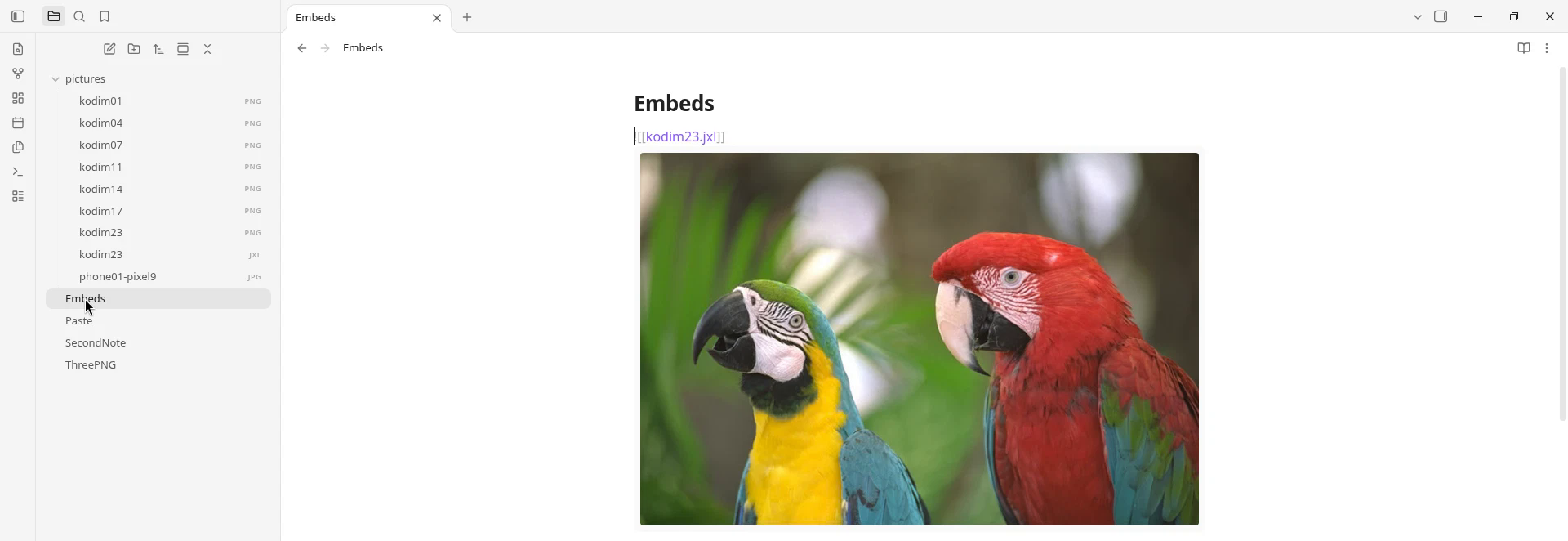
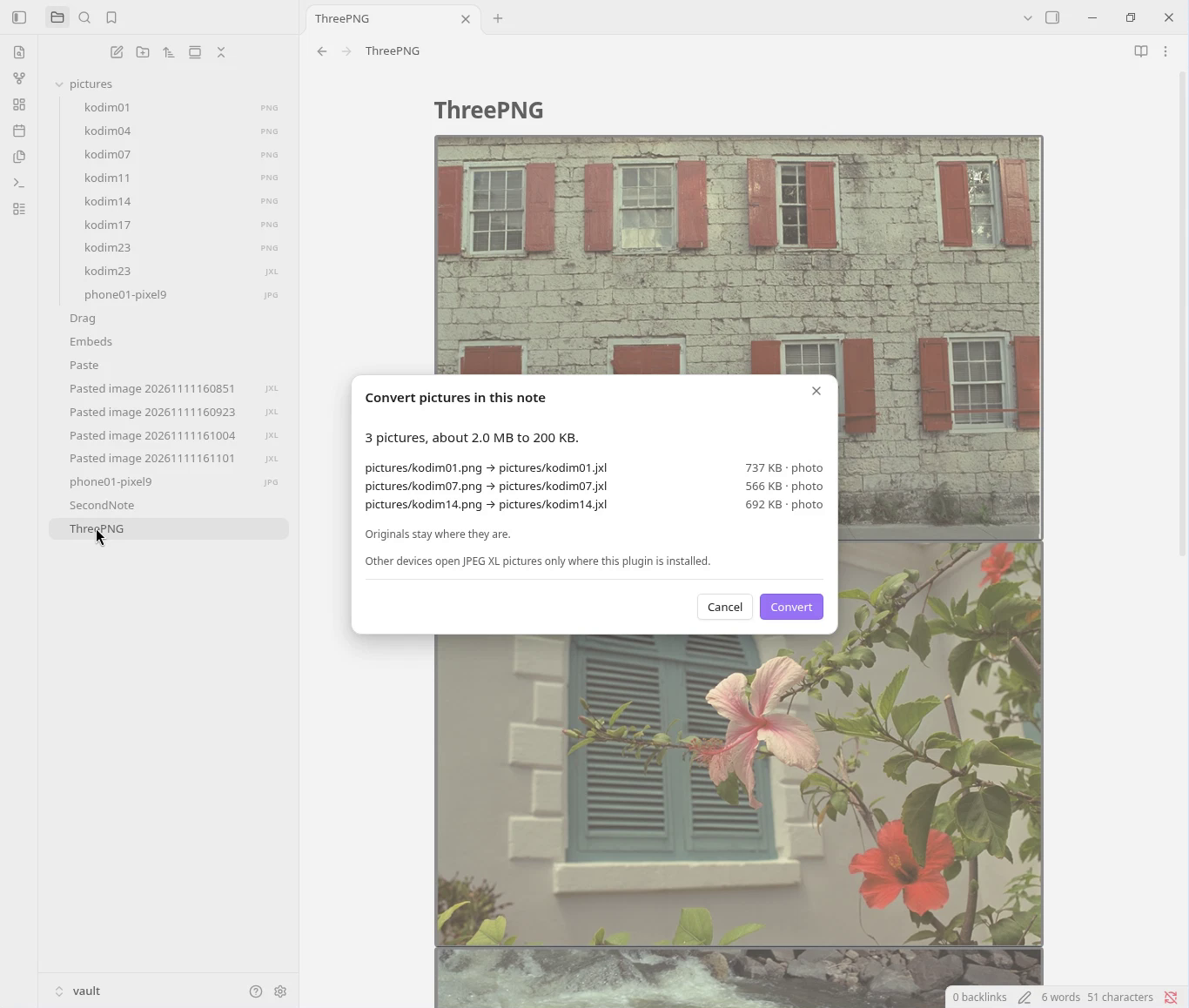
Open .jxl pictures in your notes, and convert PNG, JPEG, WebP and GIF files to smaller JPEG XL files, as you paste or across the vault.
Install
Settings, Community plugins, Browse, search for "JPEG XL", Install, Enable.
What it saves
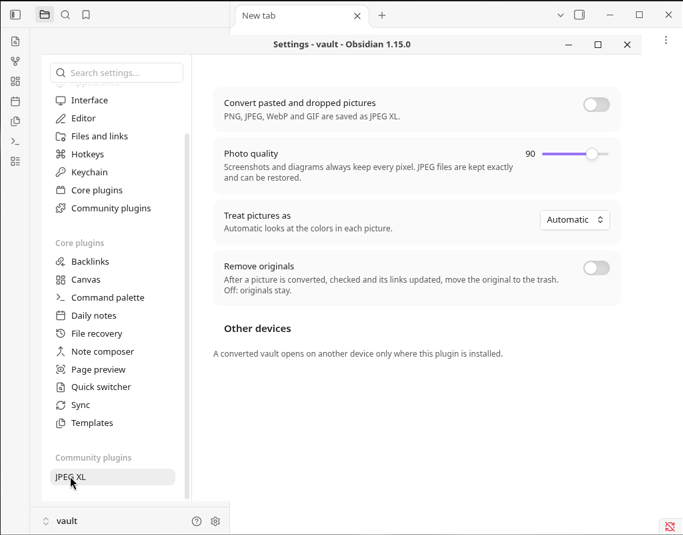
One file each, converted by this plugin at its defaults (photo quality 90). WebP made with Pillow 12.3: lossless for screenshots and the animation, quality 90 for photographs. Not an average.
| Picture | Original | WebP | JPEG XL |
|---|---|---|---|
| Screenshot of a note, 2200 × 1520 PNG | 192 KB | 56 KB | 36 KB, every pixel kept |
| Screenshot of code, 1960 × 840 PNG | 175 KB | 57 KB | 39 KB, every pixel kept |
| Phone photo pasted as a 2560 × 1920 PNG | 7.63 MB | 893 KB | 789 KB, quality 90 |
| Phone photo, 12.5 MP JPEG | 5.44 MB | 1.83 MB, re-encoded with loss | 4.85 MB, the JPEG restores exactly |
| Animated GIF, 24 frames, 360 × 160 | 77 KB | 66 KB | 37 KB, every pixel kept |
A picture is replaced only if the new file is smaller.
Your files
- Everything runs on your device. No network, no telemetry; no file leaves your vault.
- Nothing is overwritten. Each new picture is read back and checked against the original before any link changes. Originals stay unless you turn on Remove originals, and then they go to Obsidian's trash.
- Undo the last conversion puts the links back.
- A converted vault opens on another device only where this plugin is installed.
Commands
Convert this picture · Convert all pictures in this note · Convert all pictures in the vault · Convert this picture back to PNG · Restore the original JPEG · Undo the last conversion
Made with rapier-jxl. The plugin is MIT-licensed: obsidian/LICENSE.
This repository also holds the files that Rapier (rapier.website) and its agent plugins load. Privacy and terms.
Reviews
No reviews yet
Be the first to review this server!
More Developer Tools MCP Servers
Rea
Freeby Morluto · Developer Tools
Reverse engineer anything from your terminal or agent with one CLI and MCP server.
Paperclip
Freeby Paperclipai · Developer Tools
Trending hip-hop artist momentum scores across four cultural dimensions.
Scrapling
Freeby D4Vinci · Developer Tools
Web scraping with stealth HTTP, real browsers, and Cloudflare bypass. CSS selectors supported.
Git
Freeby Modelcontextprotocol · Developer Tools
Read, search, and manipulate Git repositories programmatically
Toleno
Freeby Toleno · Developer Tools
Toleno Network MCP Server — Manage your Toleno mining account with Claude AI using natural language.
MCP Marketplace
Freeby mcp-marketplace · Developer Tools
Search and install MCP servers from inside your AI client.